
Backups and Disaster Recovery for Dental Practices
Updated: October 2026
Estimated Reading Time: 6–8 minutes
How to Test Your Backups Before You Need Them
By Patrick Butler | Butler Digital Solutions, LLC
Your team arrives Monday morning, but the server will not start. The schedule is inaccessible, patient records will not open, and the imaging software cannot find last week’s X-rays. Your IT provider says the backups ran successfully. What happens next?
A dental practice needs a way to recover its data and get staff working again. That takes protected backup copies, a documented recovery process, and testing that confirms the restored systems are usable. The most useful question to ask your IT provider is: “When did we last test a recovery, and what worked?”
Understand what recovery involves
A backup is a recoverable copy of your data. Disaster recovery is the process of restoring the systems and access your practice needs after an interruption. Restoring files is one part of that process. Your team may also need a replacement server, functioning software, licenses, network connections, and help from a dental software vendor.
For example, recovering an imaging folder does not demonstrate that an operatory workstation can locate and display those images. The test should follow the work your staff actually performs.
Know what your backups cover
Ask your provider for a written inventory of the systems and data included in your backups. For a dental practice, review:
Practice management databases, including appointments, charting, and billing records.
Imaging databases and image files, including X-rays and CBCT scans.
Shared documents and business files stored on servers or individual workstations.
Server configuration and the information needed to reinstall or recover critical applications.
Confirm where each application stores its data and how its database should be backed up. A folder copy may miss a database or capture it in an unusable state. Cloud software also deserves review: ask the vendor what it can restore, how far back recovery goes, and how the practice requests help.
Use local and off site protection
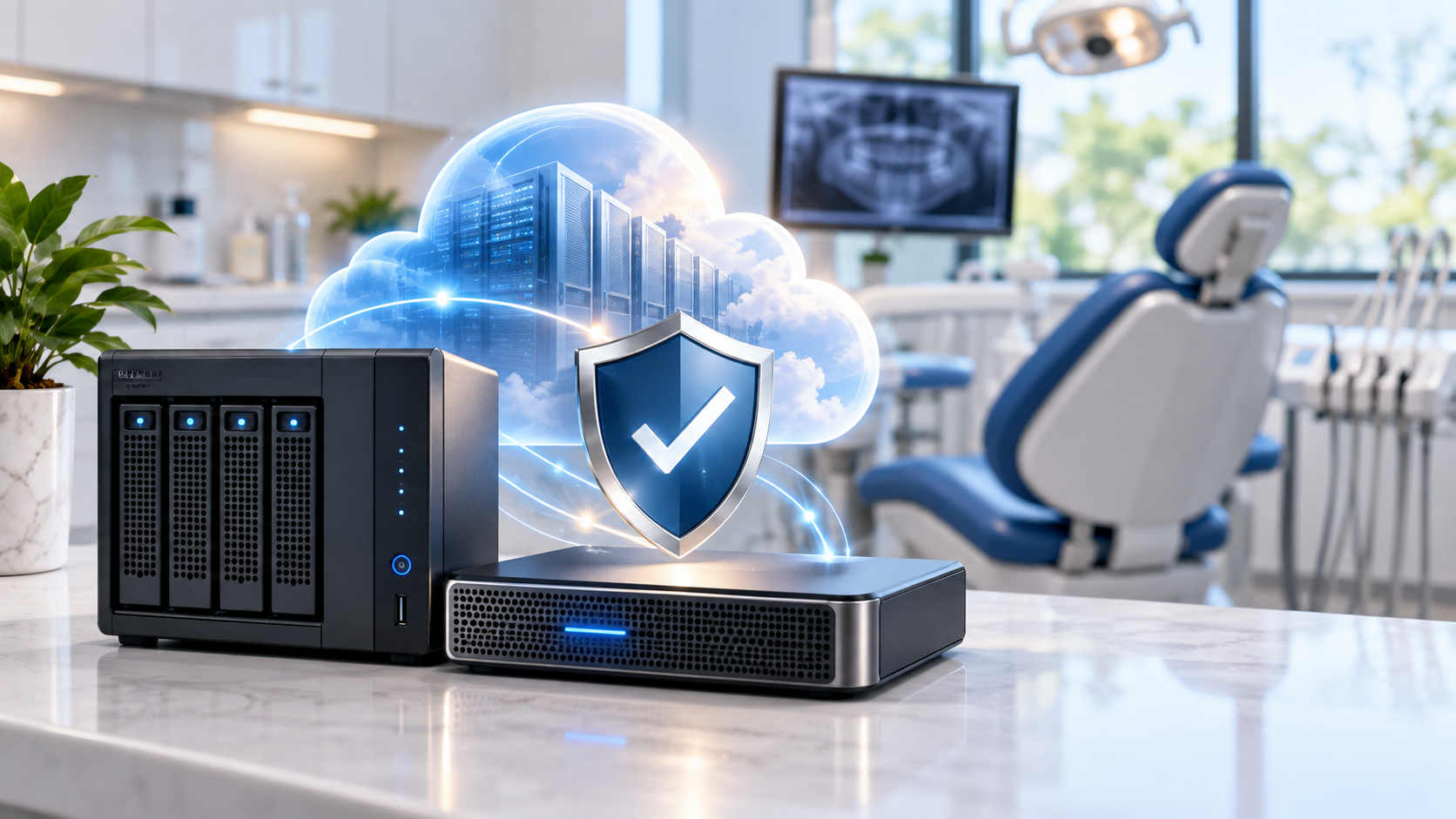
Local backups can help recover a failed server without first downloading all the data from the internet. Encrypted off-site backups provide another recovery source if fire, theft, or a tornado damages both the server and the backup equipment in the office. Actual recovery speed depends on the backup design, available hardware, data size, and connectivity. [1]
Ask how backup copies are protected from ransomware. A connected backup drive may be reachable by an attacker. CISA recommends offline, encrypted backups and regular recovery testing. Your provider should explain whether the design includes offline copies, immutable storage that prevents changes or deletion during a defined retention period, or other safeguards against compromised accounts. [2]
Test the work your staff needs to do
A successful backup notification confirms that a job completed. A restore test provides evidence that the practice can use the recovered information. Ask your provider to conduct a controlled test in a separate environment that protects patient data and avoids disrupting production.
A practical dental recovery test should include:
Restore a selected backup and confirm its date and completeness.
Start the recovered application and database using vendor-supported procedures.
Have an authorized staff member verify a sample of records, appointments, and images.
Confirm that a test workstation can access the recovered systems.
Measure elapsed recovery time and document any missing steps or vendor dependencies.
Agree on a testing schedule based on the practice’s risks and systems. Repeat relevant tests after significant changes, such as a server replacement, imaging migration, or new practice management software. Keep the results and track unresolved problems. [1]
Schedule a Dental IT Security Review
Butler Digital Solutions provides managed IT and cybersecurity services for dental practices in Huntsville, Madison, Decatur, and across North Alabama. Contact us to review your backup coverage and disaster recovery needs.
Visit butlerdigital.com or email support@butlerdigital.com.
References
[1] NIST NCCoE. Protecting Data from Ransomware and Other Data Loss Events: A Guide for Managed Service Providers to Conduct, Maintain, and Test Backup Files. https://www.nccoe.nist.gov/sites/default/files/legacy-files/msp-protecting-data-extended.pdf
[2] CISA. #StopRansomware Guide. https://www.cisa.gov/stopransomware/ransomware-guide
[3] NIST. SP 800-34 Rev. 1, Contingency Planning Guide for Federal Information Systems. https://nvlpubs.nist.gov/nistpubs/Legacy/SP/nistspecialpublication800-34r1.pdf
About the Author
Founder, Butler Digital Solutions
Patrick Butler is the founder of Butler Digital Solutions. He has over 15 years of cybersecurity experience supporting Department of Defense environments and now specializes in helping dental practices and small businesses improve cybersecurity, strengthen HIPAA compliance, and reduce operational risk throughout North Alabama.